Secure Camera
The Secure Camera in Bunker takes photos and videos straight into the vault you have open, so they never appear in Photos, your camera roll or iCloud Photos. It’s free for everyone on iPhone and iPad.
How it works
Inside a vault, tap + → Camera. You get Photo and Video modes, front and back cameras, tap to focus, flash, a torch for video, and an audio toggle with a visible “Audio off” badge.
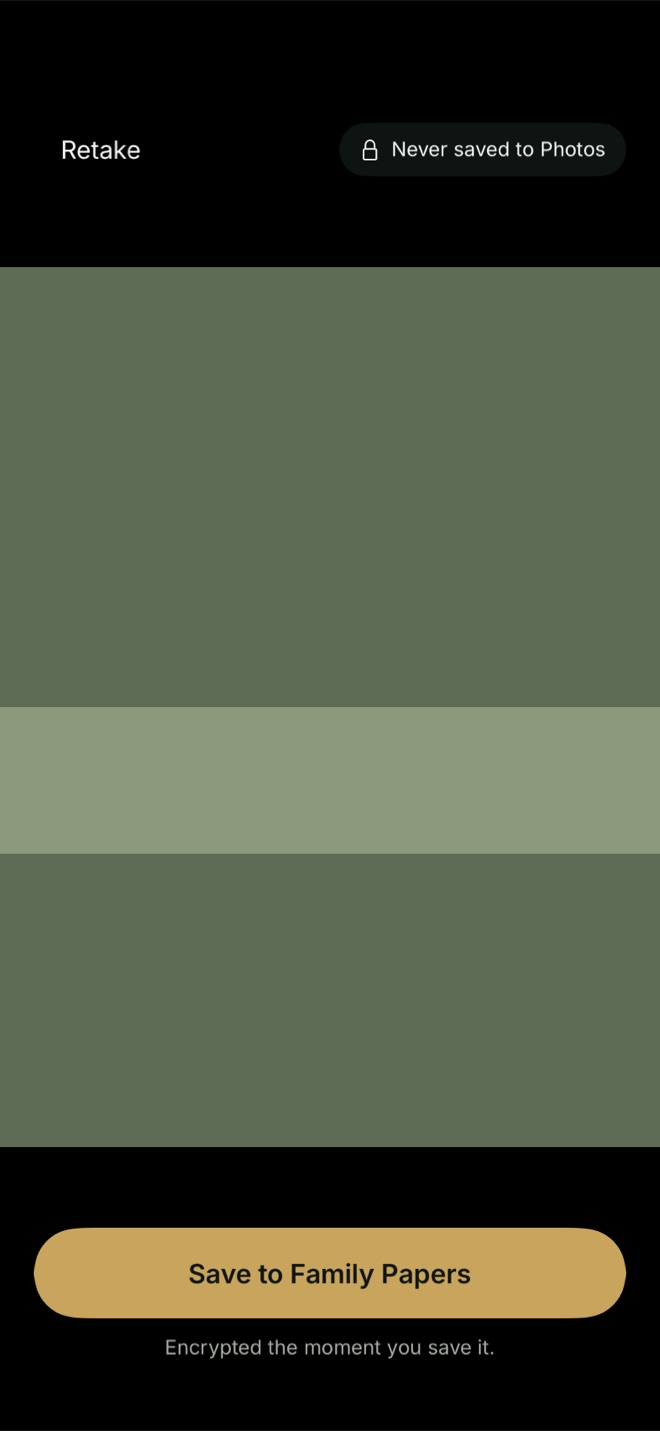
After each shot you see a review screen with Retake and Save to the vault’s name. Until you save, a photo exists only in memory. When you save, it’s encrypted into the vault like anything else, and it follows that vault’s Encrypted Backup and sync settings.
Video is the one exception to “memory only”. iOS’s camera system writes video to a file while it records, so Bunker gives that file a random name, the strongest iOS file protection, and keeps it out of device backups. After you save or discard, Bunker overwrites it three times and deletes it, and sweeps any leftover the next time it launches.
A few details that make it pleasant to use:
- Photo mode doesn’t take over audio, so your music keeps playing.
- Landscape shots are stored the right way up.
- Bunker never asks for location access, so captures don’t carry your GPS position.
- The microphone permission is asked only the first time you record video with sound.
Why not just move photos in later?
You can import from Photos, and Bunker offers to delete the originals afterwards. But a photo taken with the system camera may already have synced to iCloud Photos, appeared in Memories, or been included in a device backup by then, and “Recently Deleted” in Photos keeps it for 30 days. Taking it with the Secure Camera skips all of that.
What it protects against
- Private photos landing in Photos, iCloud Photos, shared albums or Memories.
- Someone scrolling through your camera roll.
- Plaintext copies left on disk after capture, as far as iOS allows.
What it doesn’t protect against
- Flash storage. Overwriting a video file is best effort; flash memory can keep old copies of data in places the app can’t reach.
- Speed. The vault has to be open, so it’s slower to reach than the camera on your Lock Screen.
- Someone who opens the vault. Anyone with its Pattern sees what’s inside.
- What you export. A photo saved back to Photos or sent to someone is an ordinary file again. Bunker removes location and camera details from photos exported to Photos or the share sheet by default.
Free or Pro
The Secure Camera is free on every plan. On Free, captures count toward the vault’s limits of 100 photos and 10 videos.
Related
- Scan & Search, for papers and IDs rather than photos.
- Pattern Encryption: how each capture is encrypted.
- Hidden Vaults: choose which vault a capture goes into by which one is open.
- Photo metadata remover, for photos you’ve already taken.
Questions
Do Secure Camera photos show up in my Photos app?
No. A photo stays in memory until you tap Save, then it's encrypted into the open vault. Nothing is written to your photo library.
Can I use it from the Lock Screen or Control Center?
No. It opens from inside a vault, with + → Camera, so the vault has to be open first.
Does it work on the Mac?
No. The Secure Camera is on iPhone and iPad. On a Mac you can scan documents through a nearby iPhone or iPad with Continuity Camera.
Why does it ask for the microphone?
Only the first time you record a video with sound. If you decline, videos record silently and show an Audio off badge.